
Guide
Wedding Monogram: Engrave It, 3D Print It, Animate It
Make your wedding monogram once, then engrave it on the favors, 3D print it as a cake topper and animate it for the save-the-date, with free tools.
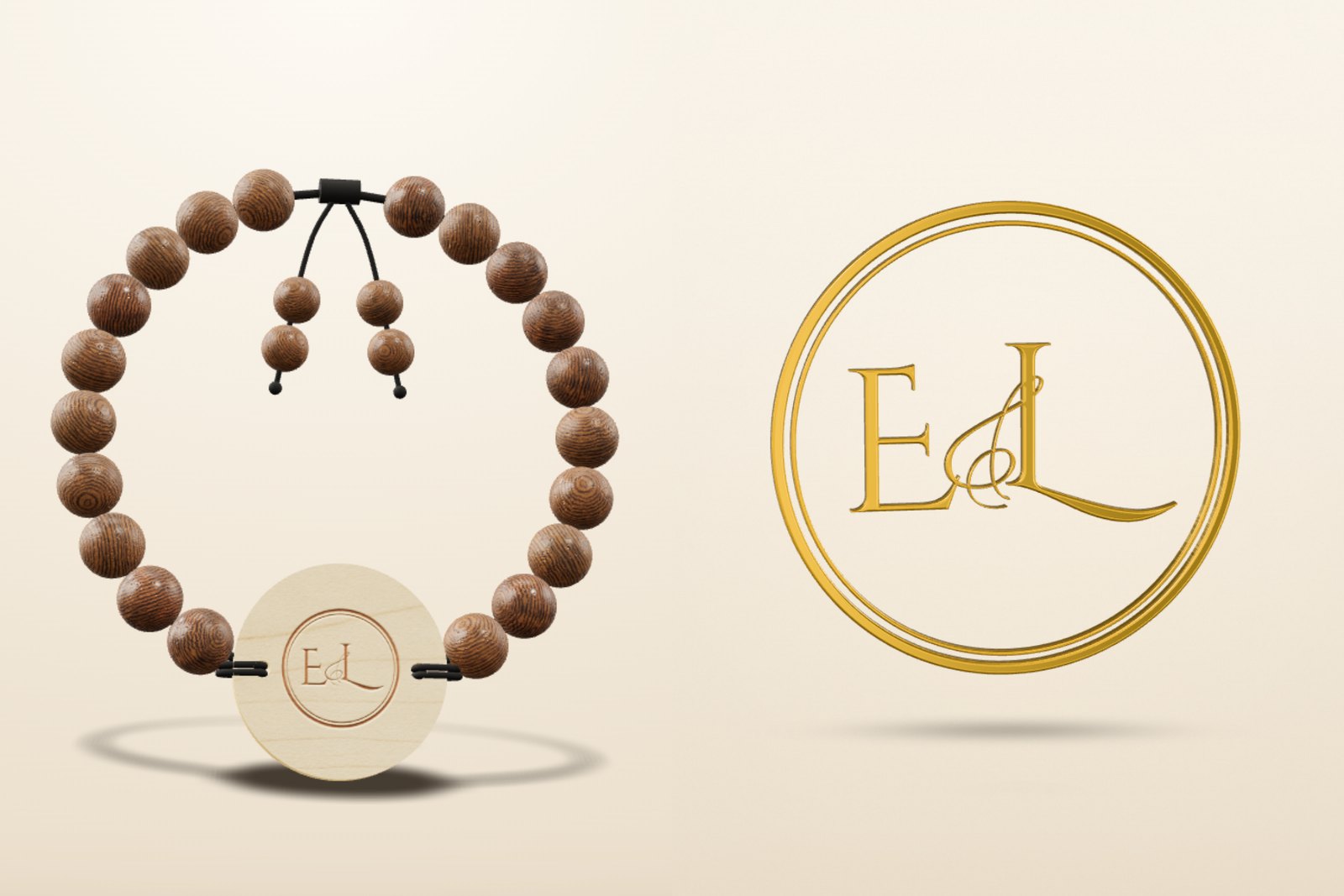
A wedding monogram is the couple's logo. It goes on the invitations, the welcome sign, the napkins and the cake, and the couples who enjoy it most are the ones who made it once and then reused the same file everywhere. This guide follows one sample monogram, E & L for Emma and Leo, from a flat file to an engraved wood tag, a 3D-printed cake topper and a spinning gold save-the-date. Every picture on this page is that same file, captured in the real tools.
Two of the tools are ours: the band designer, and the free logo tools of Proofscene, our sister company, which builds interactive 3D for products and brands. The rest of the advice works with any tool you like.
Start with one clean file
Monograms come from a stationer, an Etsy designer, Canva, or a font and ten minutes. For the letters, two first initials with an ampersand is the simplest and suits every couple. The traditional three-letter version puts one partner's first initial on the left, the shared last-name initial larger in the middle, and the other partner's first initial on the right.
Wherever it comes from, ask for two files: an SVG, which stays sharp at any size, and a large PNG with a transparent background. Clean means dark artwork on white or on nothing: no drop shadows, no paper texture, no photo of the printed invitation.
If all you have is a JPG with a white box around it, Proofscene's free tool will make your monogram transparent, letter holes included, as a PNG up to 4,096 pixels. Its PNG to SVG converter then turns that PNG into a vector SVG with smooth curves and each color on its own layer, and also saves PDF, EPS and DXF for the stationer or the laser shop. The converting happens in your own browser.
Engrave it on the favors
In the WearableWedding designer, open the tag studio and choose Upload. It takes SVG, PNG and JPG files and turns the artwork into a single engraving tone for you: the dark areas burn into the wood, and one click inverts it. Drag the corners to size the monogram, keep it inside the dashed safe line, and the studio tells you if any line is too fine for the tag you picked, so you can enlarge it or choose a bolder version.
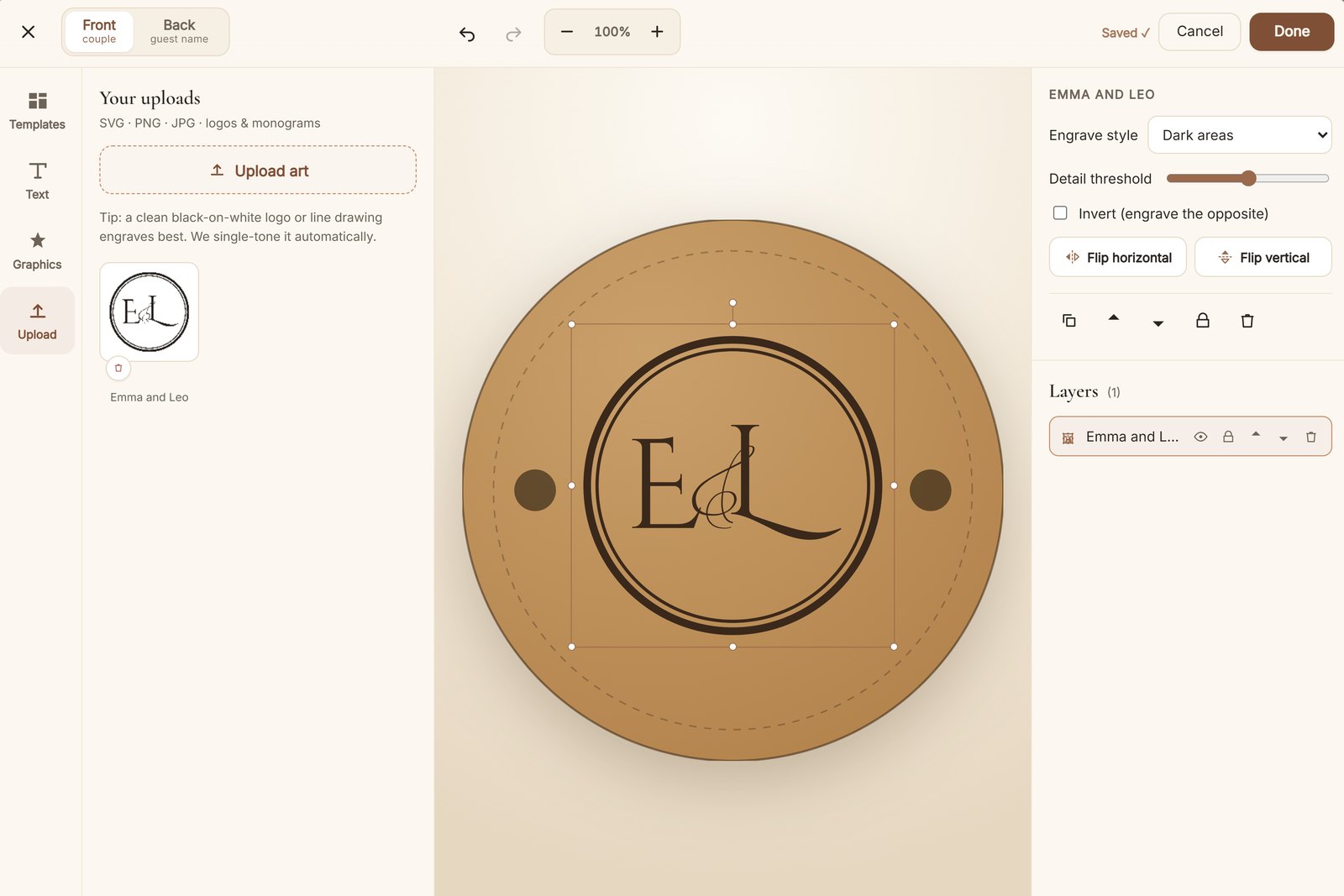
Every tag has two sides. The front carries the two of you; the back carries each guest's own name, which is what turns a favor into a gift they keep. We wrote about why in wedding favors guests actually keep. The same wood tag holds the band's NFC chip, so when a guest taps it with a phone, your shared photo album opens with no app. Six tag shapes, from round to heart, come in eight woods, from pale maple and birch to black walnut and rosewood, and you approve a proof before you pay for anything.
3D print it as a cake topper
A monogram cake topper is your file with depth. Proofscene's free logo to STL tool builds the 3D model in the browser: you turn it, set the edges and the thickness, and pick the width before you download. It saves an STL, which any 3D printer prints as one solid, or a 3MF with each color as its own part for Bambu Studio, PrusaSlicer and OrcaSlicer.
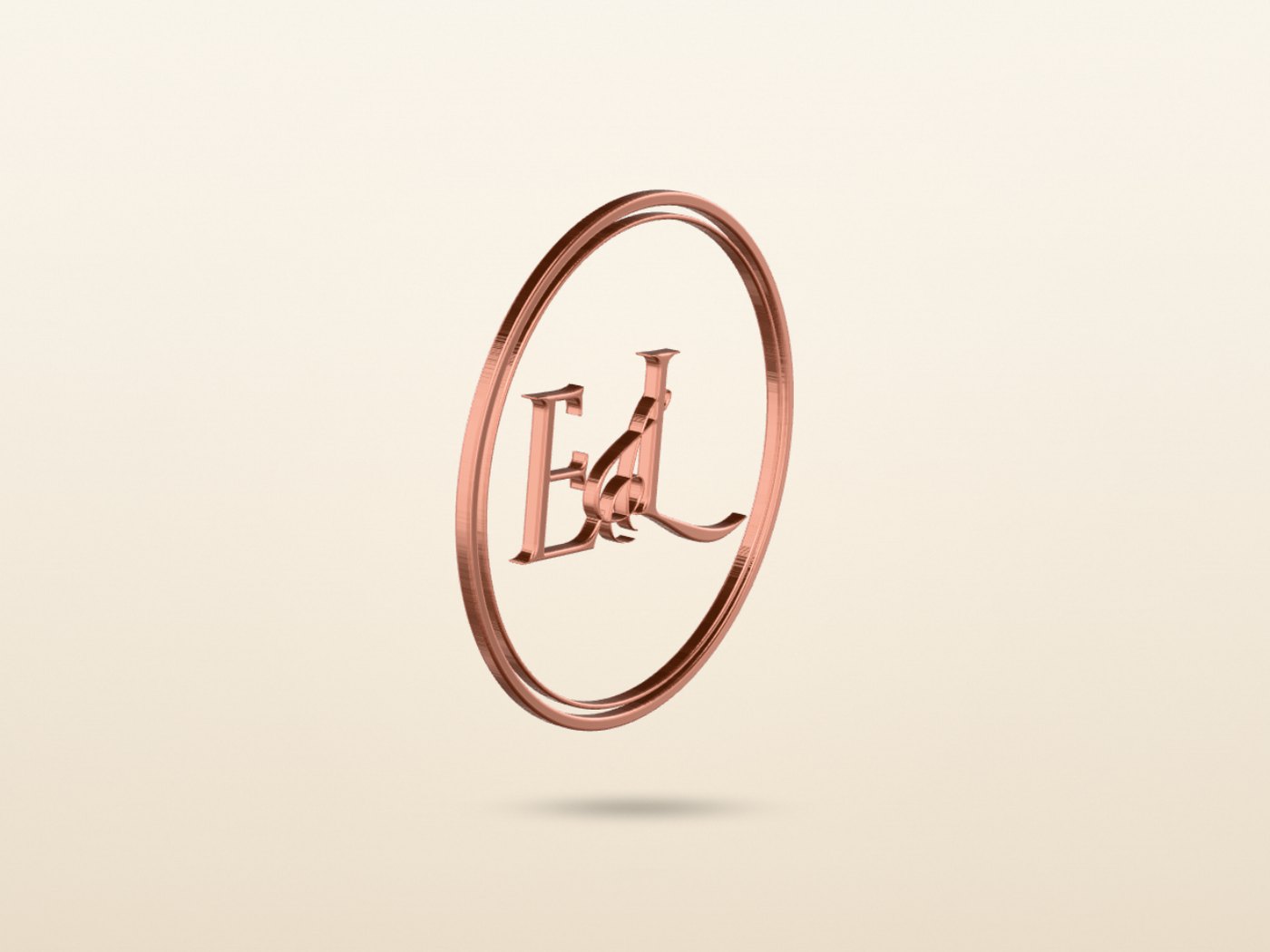
Three things make a topper print well and stand straight:
- Connect everything. Every letter should touch the frame or a neighbor, so the topper comes off the printer as one piece. A ring around the initials, like our E & L, does this for you.
- Size it to the top tier. Measure the tier and set the width in the tool, then give it enough thickness to stay rigid when it stands upright.
- Add the stake. Print one or two picks under the frame, or glue the finished topper to a wooden or acrylic stake.
No printer at home? Local print shops, maker spaces and many libraries print an STL for you, and gold or rose-gold filament gives the same finish as the render.
Animate it for the save-the-date
The same file can move. Proofscene's spinning logo GIF maker turns your monogram into a 3D monogram that loops without a seam: a turntable loop, a coin flip or a spin reveal, in gold, rose gold, silver, chrome or glass, on a light, dark, brand-color or transparent background. Every combination previews free, with no account.
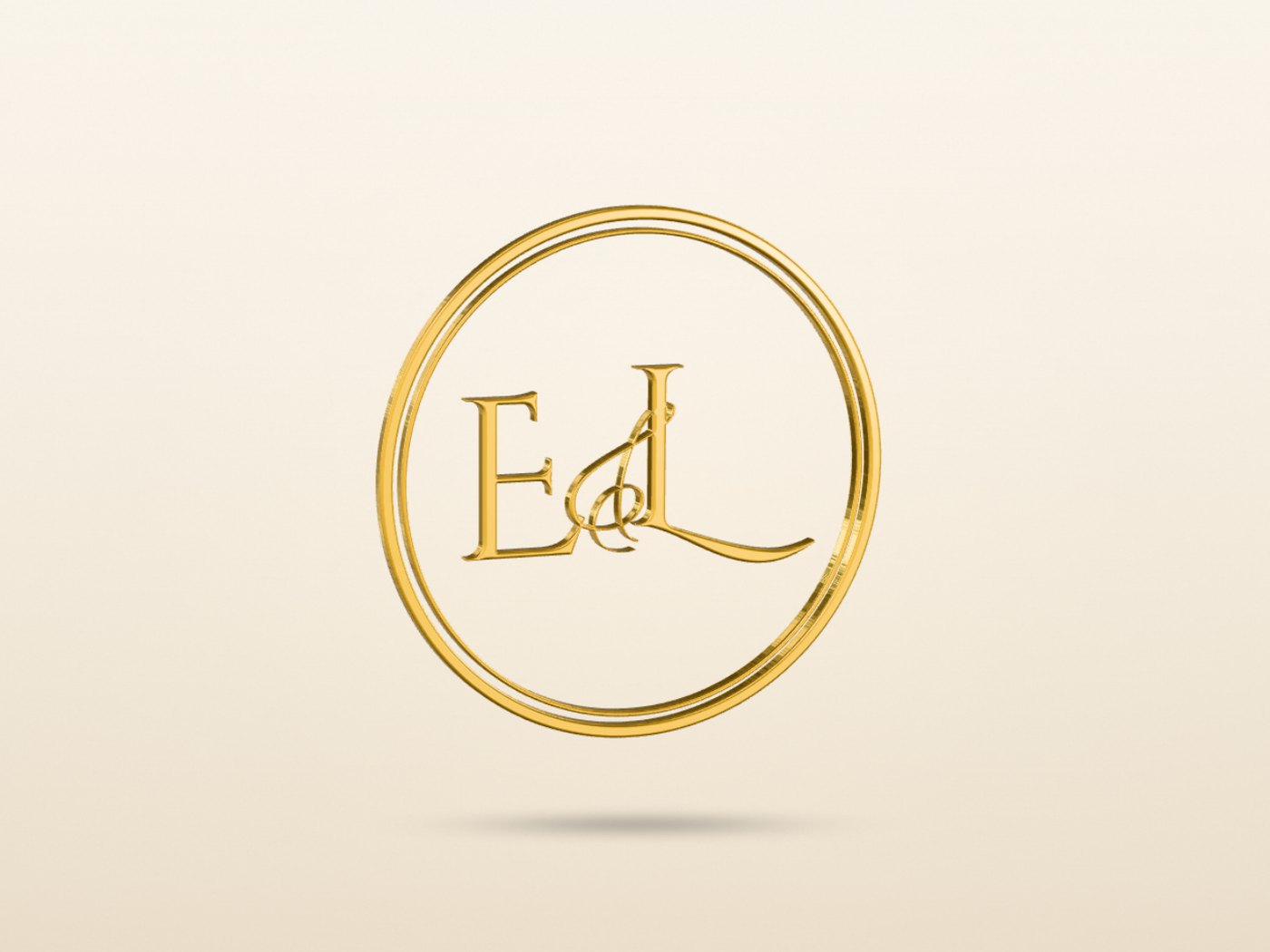
Where couples use it:
- The save-the-date email: a GIF, which plays inside the message.
- Announcements on Instagram and TikTok: an MP4 in 9:16, with music. For a reveal set to music, start from the logo animation maker: a slam, an assemble or a spotlight.
- The wedding website: a square loop at the top of the page.
- The reception screen or LED wall: a 16:9 MP4 on repeat between the slideshow and the first dance.
Which file for which job
| Where it goes | File | Made with |
|---|---|---|
| Engraved wood tags on the favors | SVG, PNG or JPG, dark on light | WearableWedding tag studio |
| Invitations, signs, napkins, website | SVG, or a transparent PNG | Make transparent, then PNG to SVG |
| Cake topper | STL, or 3MF for color | Logo to STL |
| Save-the-date email | GIF | Spinning logo GIF maker |
| Social posts and the reception screen | MP4 in 9:16, 1:1 or 16:9 | Spinning logo GIF maker or logo animation maker |
Keep the master SVG somewhere safe after the wedding. It is the file you will want for the anniversary card, the house sign and the thank-you notes.
Questions couples ask
What file format should a wedding monogram be?
Keep an SVG as the master, because it scales to any size without blurring, plus a large PNG with a transparent background for apps that do not take SVG. Engraving, 3D printing and animation tools all start cleanly from either one.
Which initials go in a wedding monogram?
Two first initials joined by an ampersand is the simplest and works for any couple. The traditional three-letter version puts one partner’s first initial on the left, the shared last-name initial larger in the middle, and the other partner’s first initial on the right.
How do you make a 3D printed monogram cake topper?
Make sure every letter touches the frame or a neighbor, load the SVG or PNG into a logo to STL tool, set the width and thickness, download the STL, and print it standing on a stake or with a slot for one. A 3MF file prints each color as its own part on a multi-color printer.
How do I make an animated wedding monogram for free?
Drop your monogram file into a spinning logo GIF maker, pick a finish such as gold or rose gold, a background and a motion, and download a GIF for email or an MP4 for Instagram, TikTok and the reception screen.
